Your STEM program, under your own name
OpenSTEM gives schools and education centers one place to run STEM across every class — with your brand on the address bar, the sign-in page and the certificates your students take home.

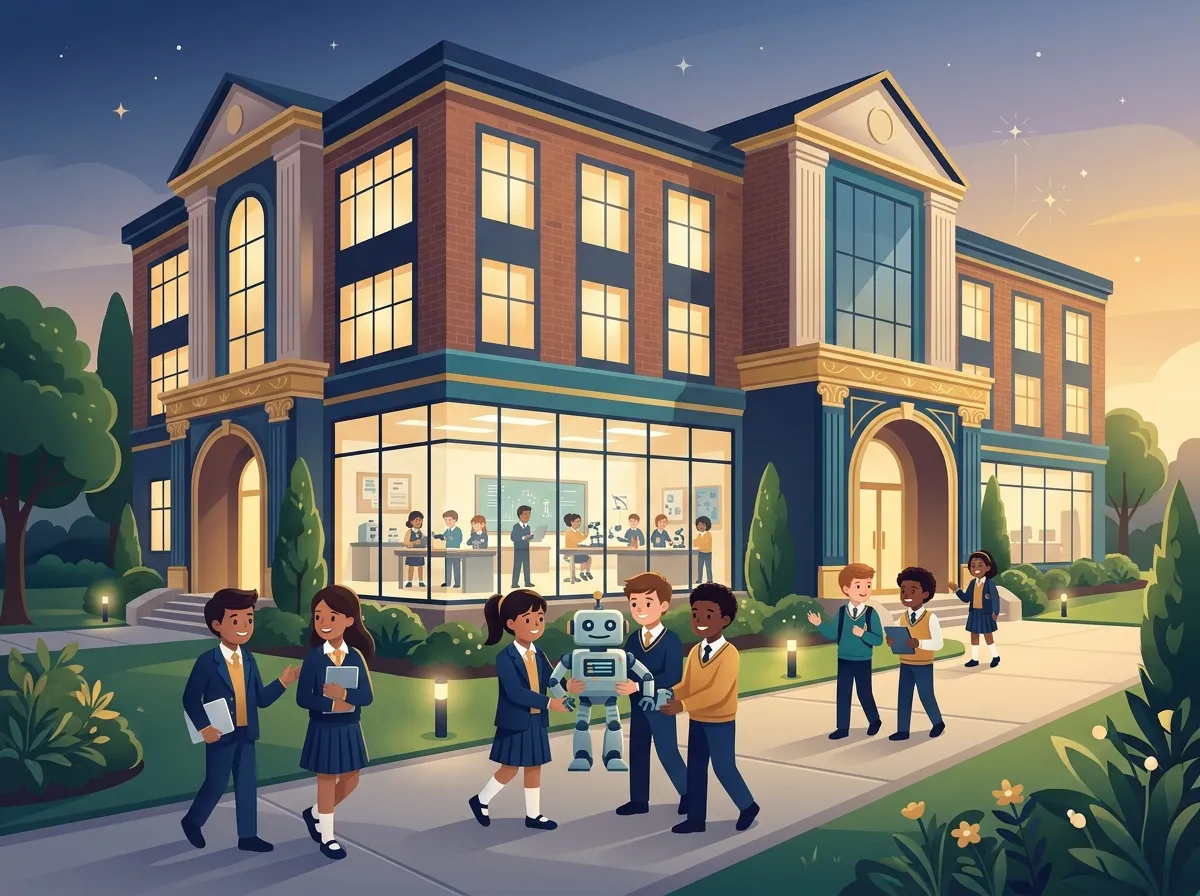
yourschool.openstem.vn — with your logo and colors
Organizations with custom branding get their own address on openstem.vn. On that address, the sign-in page, the learning area header, the browser tab and the buttons carry your logo, name and brand colors instead of OpenSTEM’s.
• Upload and crop your logo, choose a primary and secondary color, or start from a ready-made theme. • A sign-in page with your own background and welcome message — no OpenSTEM promotions. • Your contact details and social links in the footer. • Subdomains are assigned by the OpenSTEM team, so a name printed on your flyers never changes underneath you.
Branding changes how the platform looks, not who can access it: permissions always come from your organization’s membership.
A public homepage you design yourself
Publish a homepage at the root of your subdomain to introduce your school to parents and prospective students. A drag-and-drop page builder lets you add, reorder and style blocks, and edit text right on the page.
• Blocks for an introduction, highlights, featured courses, teachers, gallery, FAQ, contact and calls to action. • Extra custom pages and a navigation menu. • A contact form that emails your verified contact address. • An AI assistant that drafts a page layout for you to review. • Drafts are saved automatically; nothing goes live until you publish.
Manage classes, teachers and students
Organization managers see the whole picture; teachers focus on their own classes.
Teachers
• Invite teachers with an invite code • Set a role, a usage limit and an expiry date for each code • Managers configure the organization
Classes and students
• Teachers create classes and student accounts • Import a whole grade from a spreadsheet • Archive students at year end to free seats, keeping their learning history
Your content library
• Teachers create and share courses inside the organization • Pin or hide courses to curate the library your students see • Organization content stays private to your organization
Know what is working — class by class, week by week
Organization statistics
• Active students each week, with participation rate • Lessons completed and XP earned per week • A skills radar by topic, and skill growth week over week
Class progress
• Every student against every lesson • Question analysis to find what to reteach • Individual student profiles with a skills map
Parent communication
• Weekly progress reports by email • Teachers approve every report before it is sent • Parents see lessons, XP and active days
Teaching and recognition, the way your school does it
Live classroom mode
Present a lesson on the projector while students join with a PIN on a computer or phone. Run quizzes, take questions, poll the class, and review a report of each session afterwards. It works even in rooms without a computer for every student.
Certificates with your logo
Course certificates carry your organization’s logo and signer, and each one has a public verification page.
Printable materials
Generate an A4 poster, an A5 flyer and QR cards that point to your school’s homepage.
Getting your own branded subdomain
Custom branding is set up by the OpenSTEM team for centers and schools. Tell us about your organization and we will recommend the right setup for the number of students and teachers you have.
Bring hands-on STEM to every classroom
See how OpenSTEM works for your school or center. We will walk you through the courses, the virtual devices and the teacher tools, and answer your questions.